

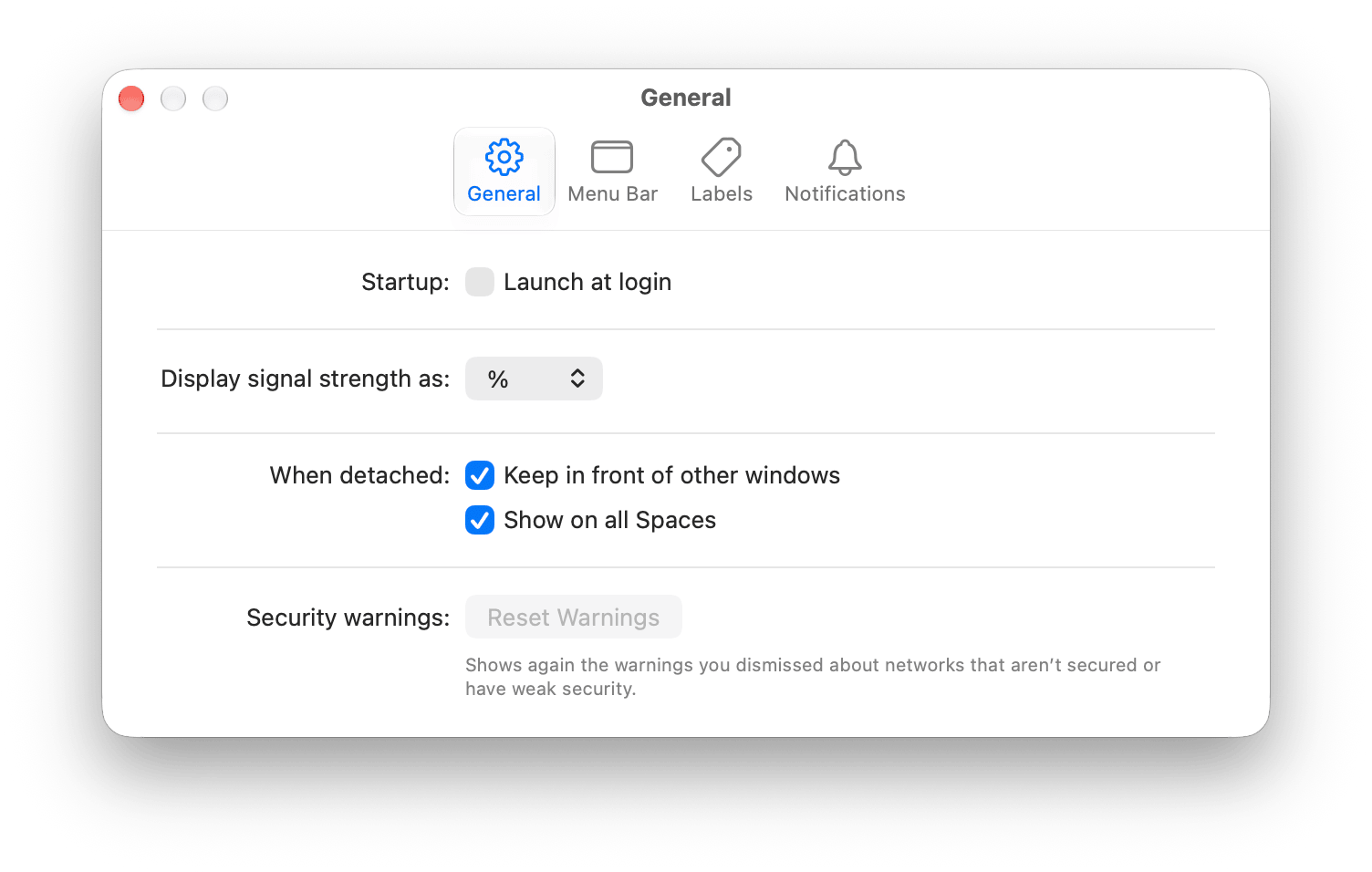
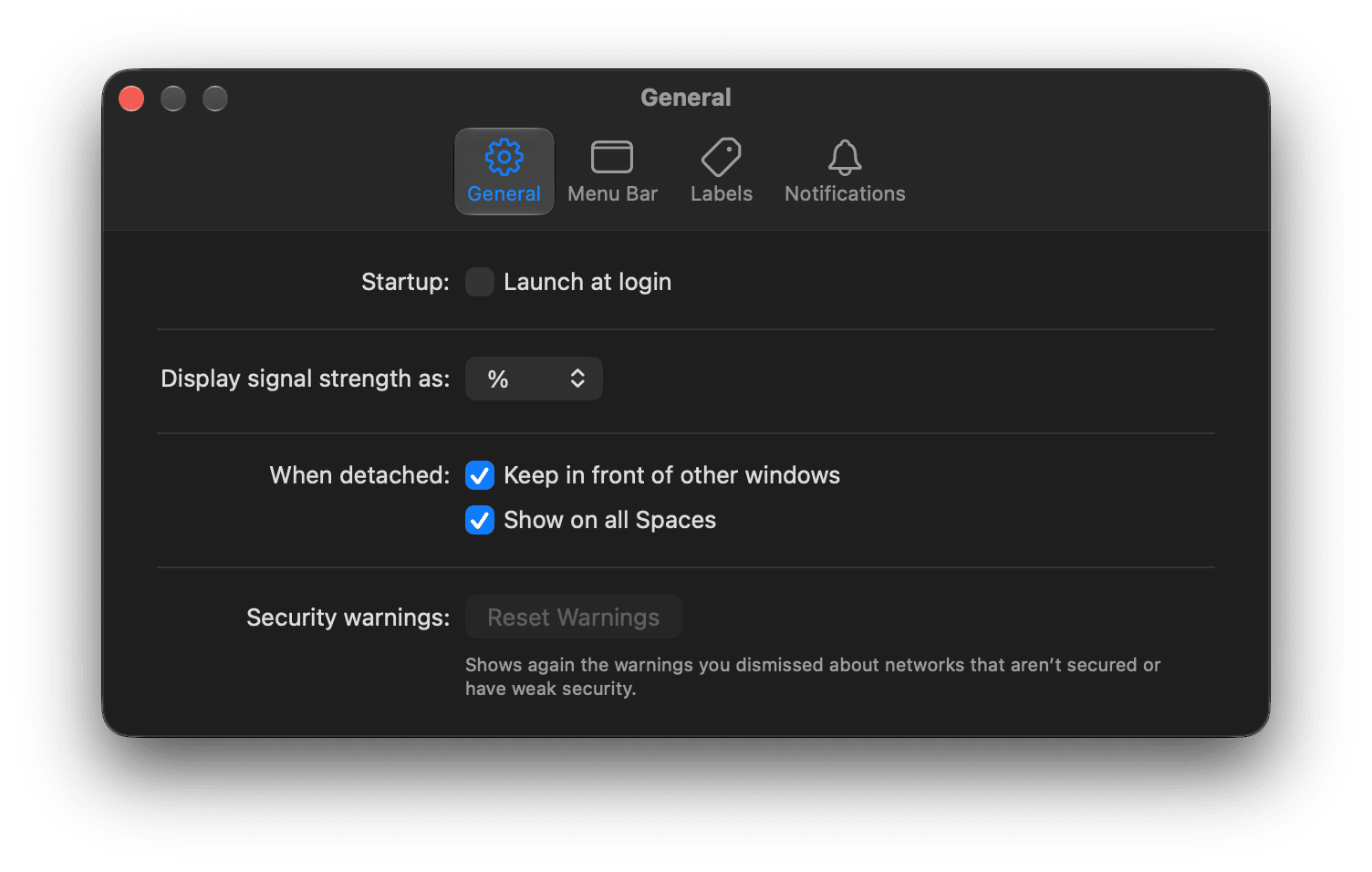
Signal strength shown as a percentage, and a detached popover kept in front of other windows on all Spaces.
To detach the popover, drag it away from the menu bar.
General settings in WiFi Signal.
Signal strength shown as a percentage, and a detached popover kept in front of other windows on all Spaces.