

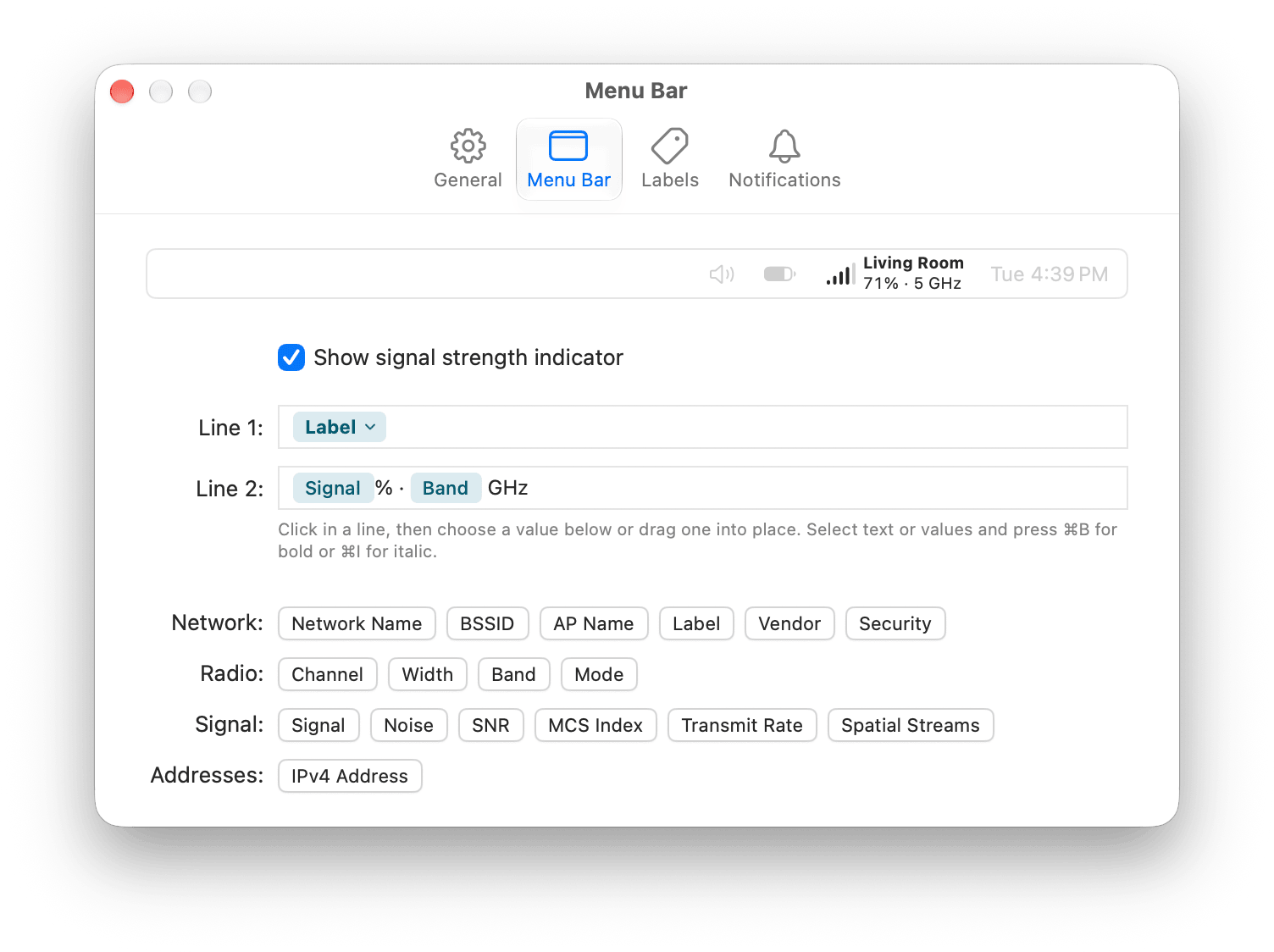
The preview at the top shows the label on the first line and the signal and band on the second.
For step-by-step instructions, including bold and italic text, see Customize the menu bar item.
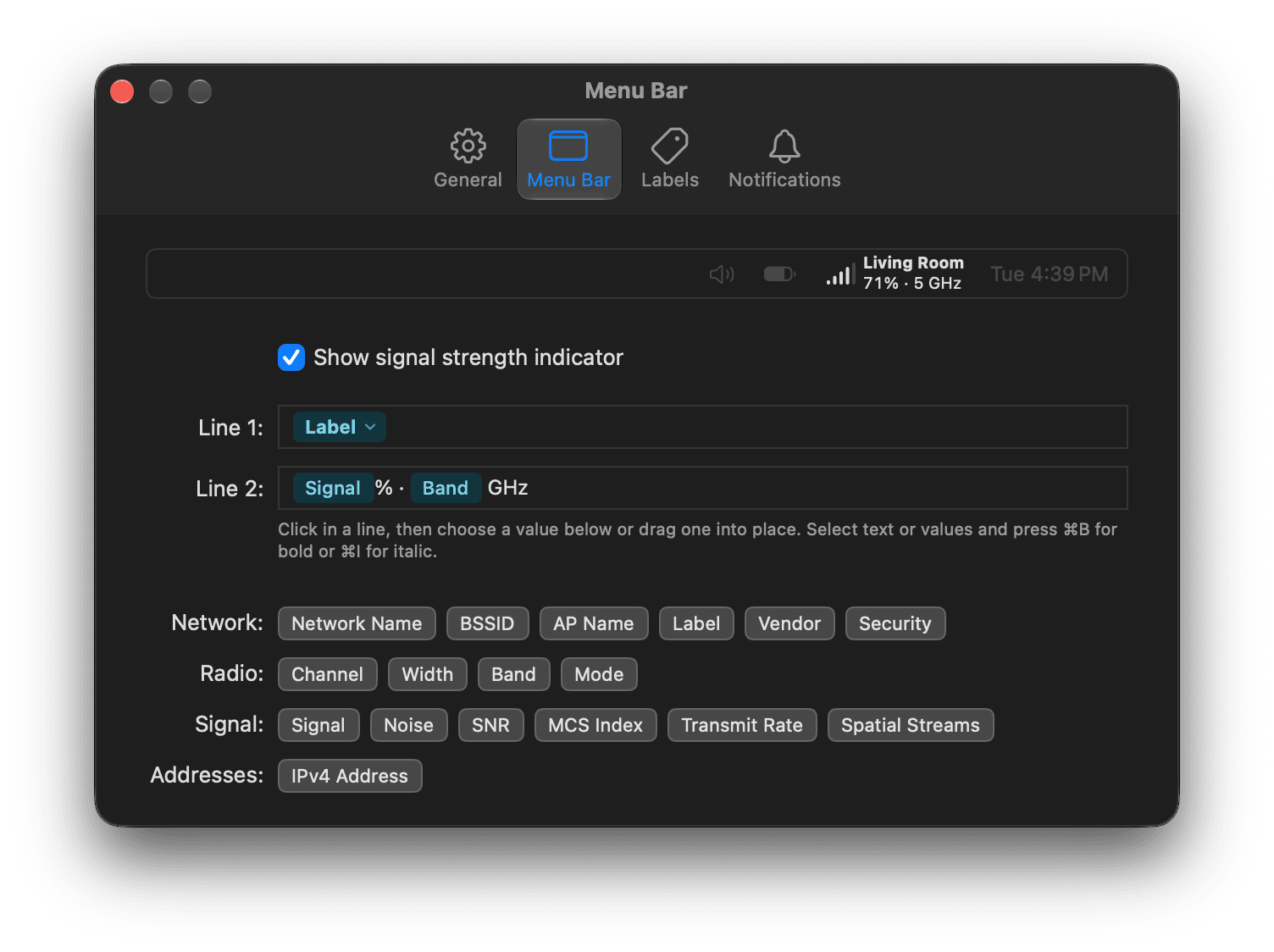
Menu Bar settings in WiFi Signal.
The preview at the top shows the label on the first line and the signal and band on the second.