

The channel utilization WiFi Signal Pro reports is measured by your Mac. It’s not the channel utilization an access point may advertise in the BSS Load information element of its beacons, which the access point measures itself. The two often differ: each device hears the channel from its own location, and they measure over different periods and in different ways. Your Mac’s measurement shows how busy the channel is where you are, which may not match how busy it is at the access point.
Get Extended Metrics
There’s nothing extra to install. The WiFi Signal Pro installer already installs Extended Metrics, and channel utilization is available as soon as you start the app.Extended Metrics runs only while WiFi Signal Pro is using it. It reads Wi-Fi statistics from macOS, passes only the measurements WiFi Signal Pro needs, and works only with a genuine copy of WiFi Signal Pro.
What you get with Extended Metrics
- A Channel Utilization chart in the popover. Click it to show it in the large chart. See Monitor signal quality.
- A busy-channel warning in the connection summary when channel activity is high. See View connection details.
- The Channel Utilization value for the menu bar display. See Customize the menu bar display.
- Per-minute channel utilization in History, on days when it was recorded.
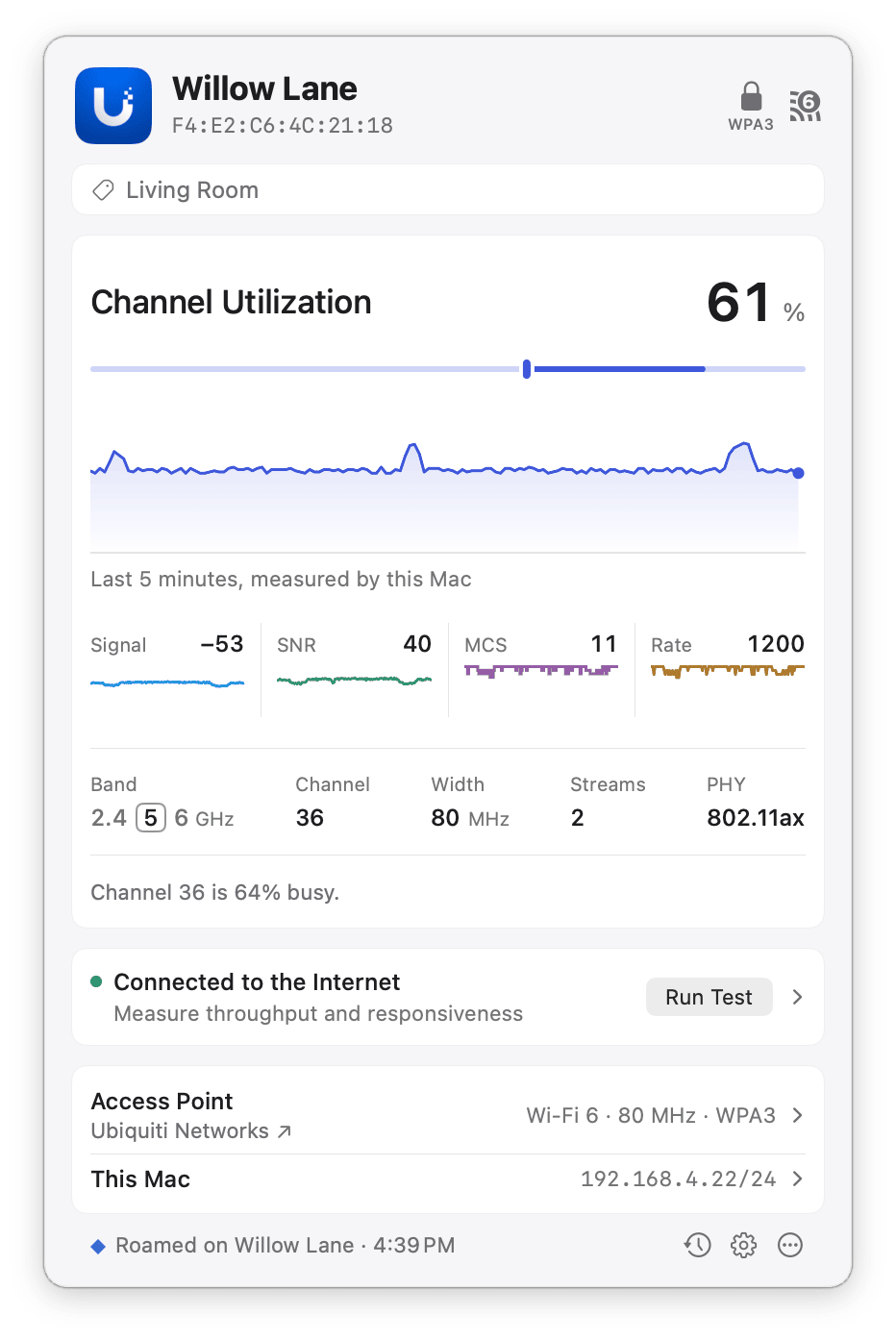
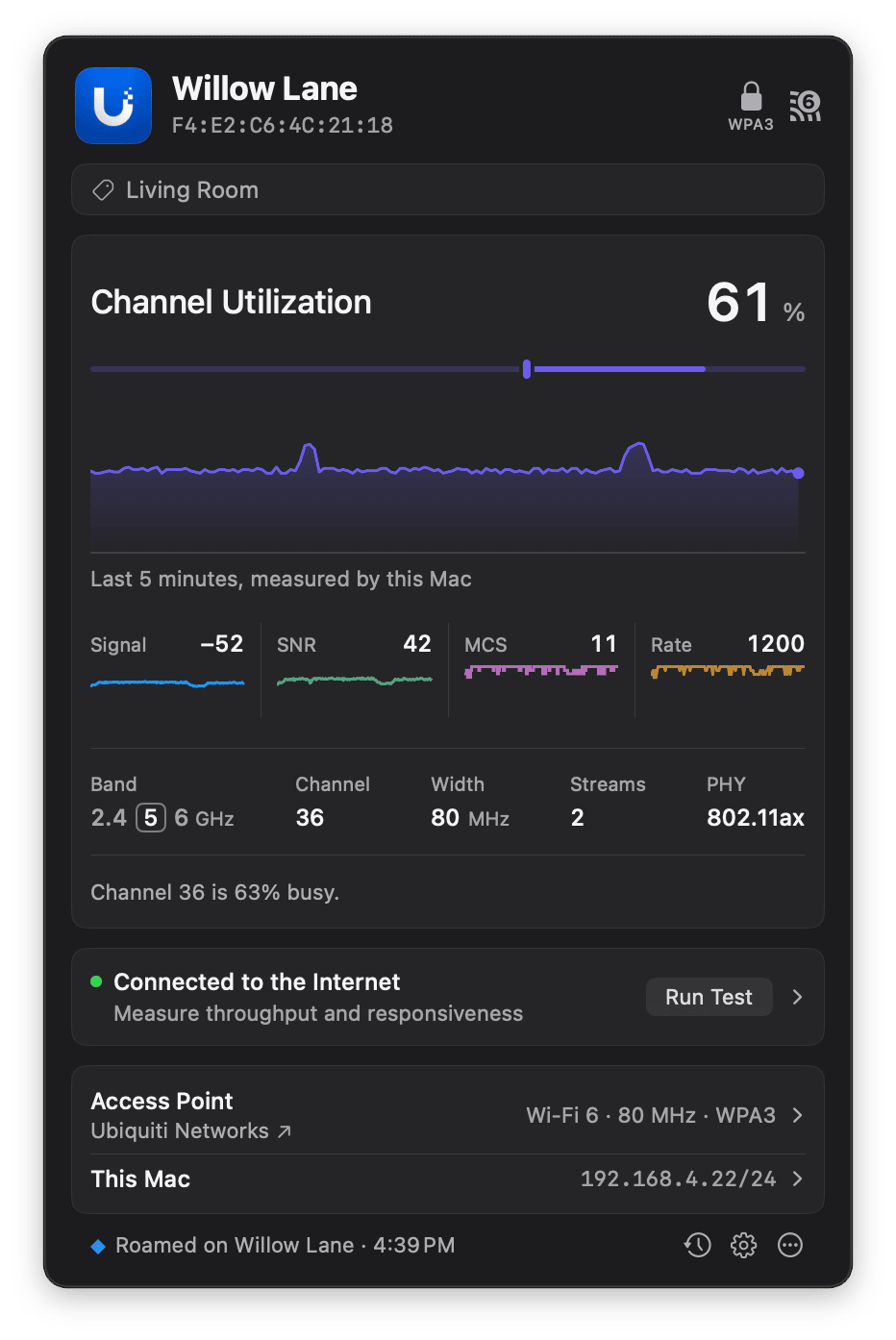
The Channel Utilization chart in the large plot, and the summary pointing out a busy channel.