

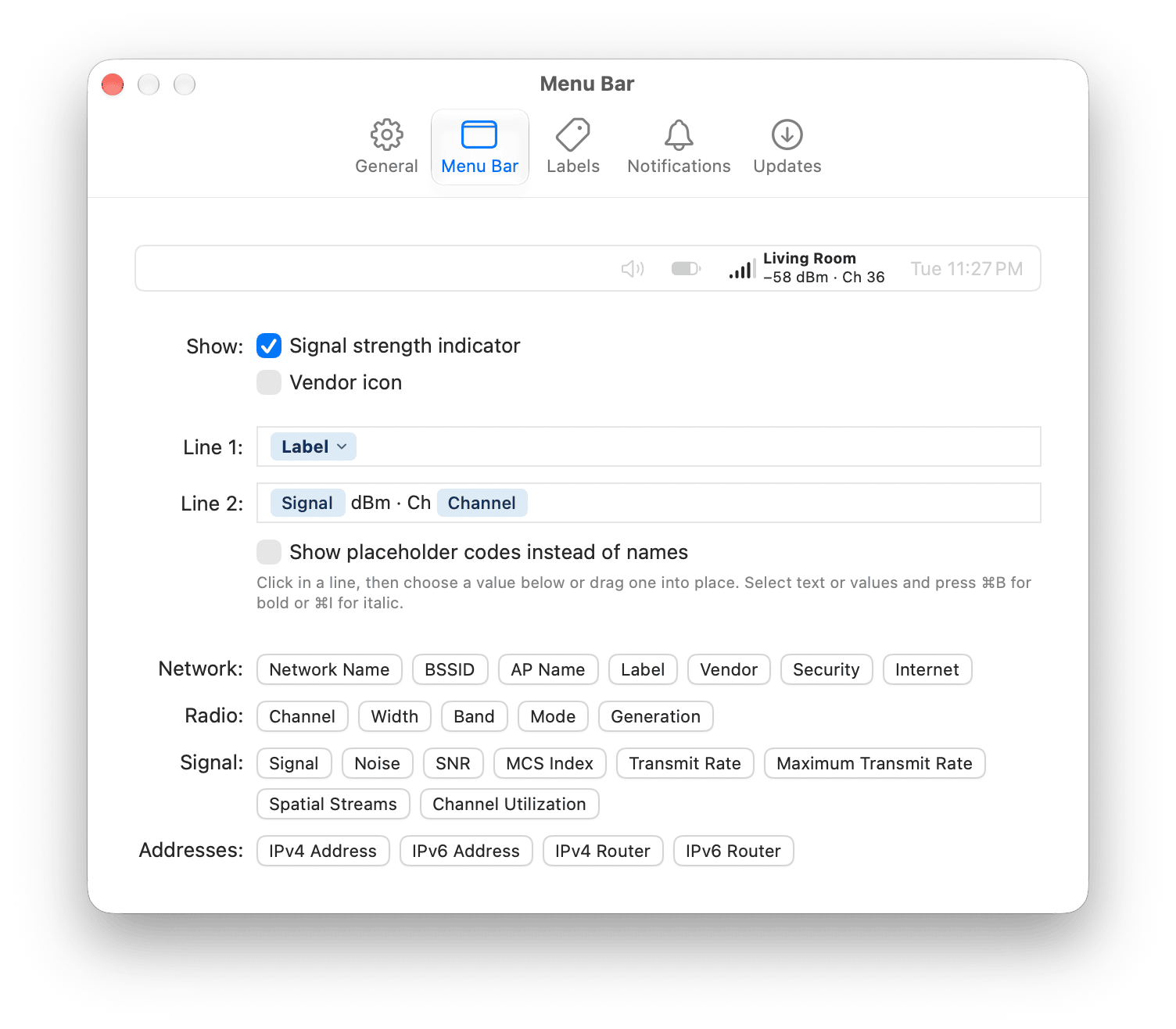
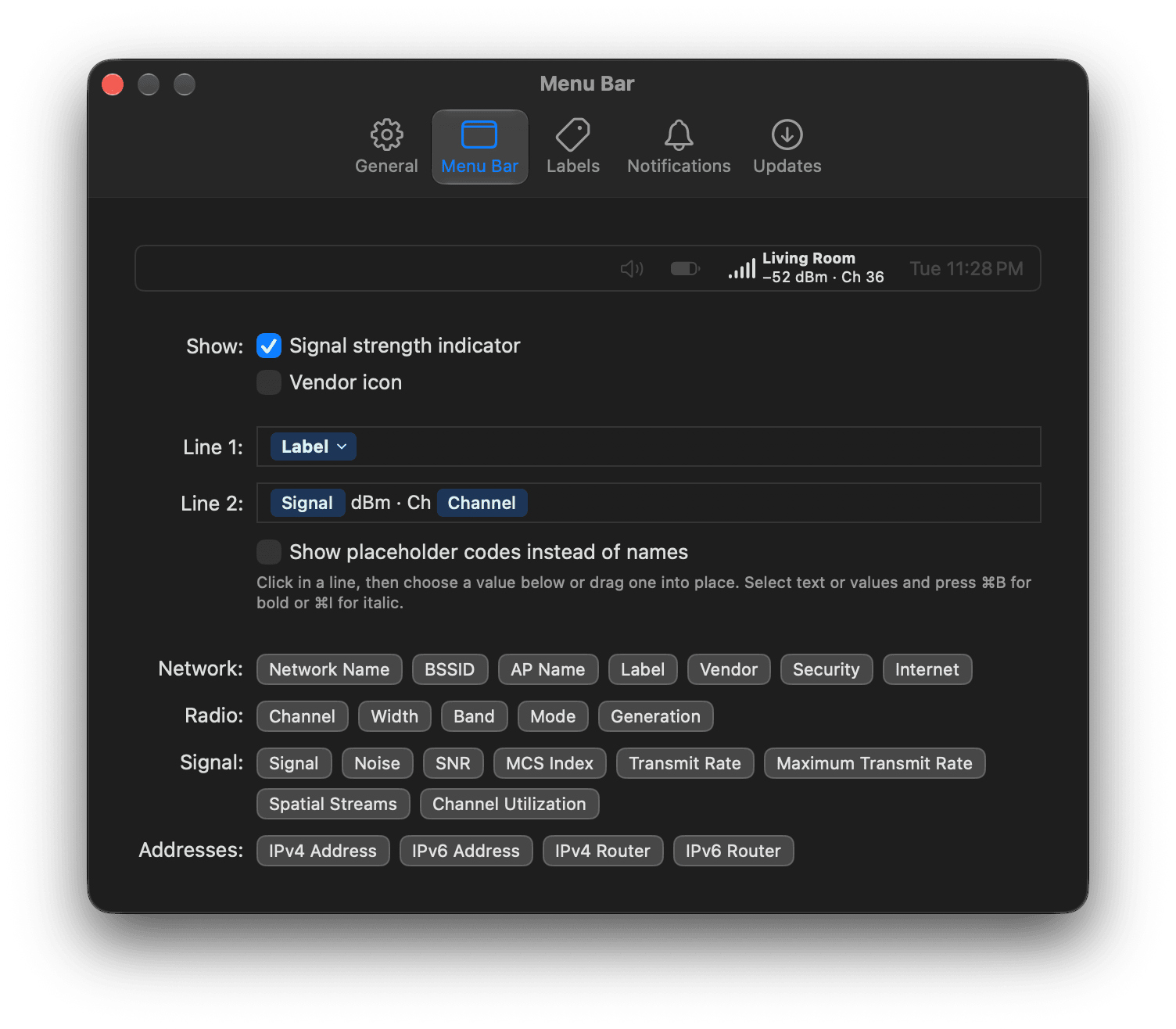
A two-line display: the label in bold, then the signal strength and channel.
For details on building each line, see Customize the menu bar display.
Menu Bar settings in WiFi Signal Pro.
A two-line display: the label in bold, then the signal strength and channel.